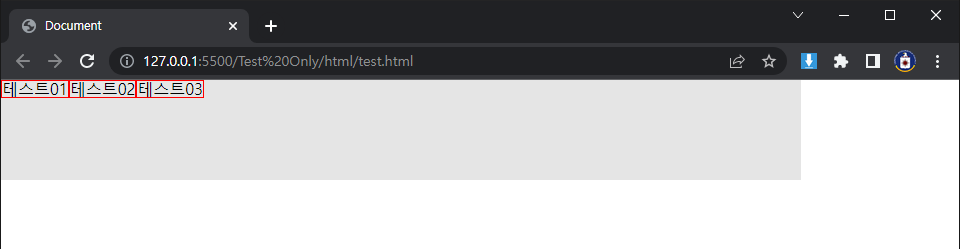
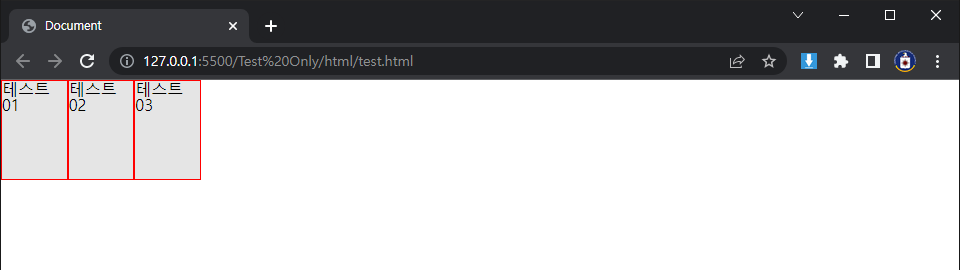
Flex는 부모 자식 관계에 설정이 가능하며, 부모에게 display:flex 속성을 주면 자식들은 해당 속성의 세부 설정에 따라 정렬된다. 이렇게 flex가 적용된 자식은 항상 자기 컨텐츠 만큼의 넓이(최소 넓이)만을 가지게 된다.
(1) flex-direction
HTML
< div class = "test" >
< span > 테스트01 </ span >
< span > 테스트02 </ span >
< span > 테스트03 </ span >
</ div >
SCSS
.test {
display : flex ;
flex-direction : row ;
width : 800px ;
height : 100px ;
background-color : rgba ( 0 , 0 , 0 , 0.1 );
> span {
border : 1px red solid ;
}
}
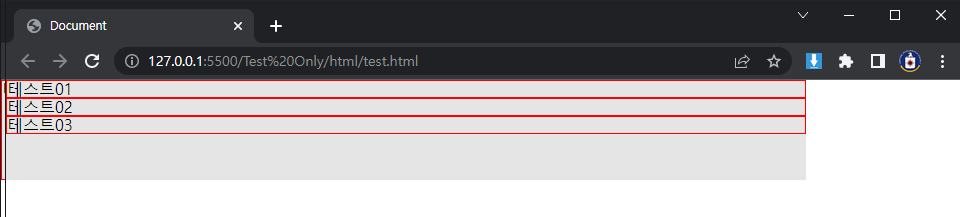
①flex-direction: row
row: 요소들을 텍스트의 방향과 동일하게 정렬한다.
②flex-direction: row-reverse
row-reverse: 요소들을 텍스트의 반대 방향으로 정렬한다.
③flex-direction: column
column: 요소들을 위에서 아래로 정렬한다.
④flex-direction: column-reverse
column-reverse: 요소들을 아래에서 위로 정렬한다.
(2) justify-content
SCSS
.test {
display : flex ;
flex-direction : row ;
justify-content : flex-start ;
width : 800px ;
height : 100px ;
background-color : rgba ( 0 , 0 , 0 , 0.1 );
> span {
border : 1px red solid ;
}
}
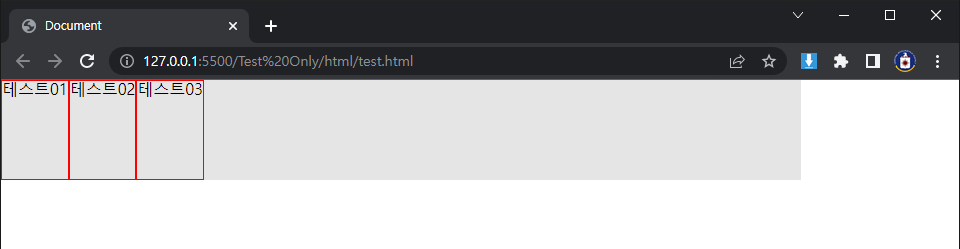
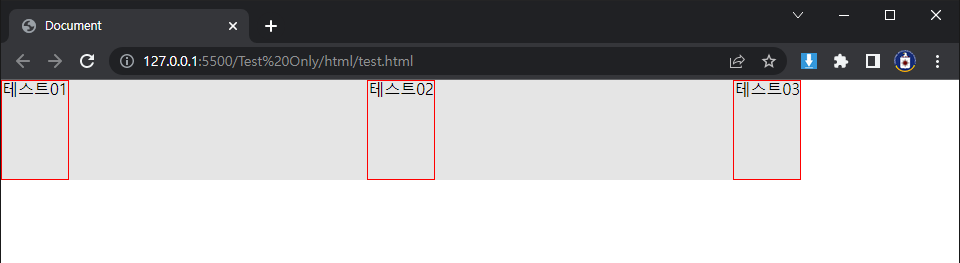
①justify-content: flex-start
flex-start: 요소들을 컨테이너의 왼쪽으로 정렬한다.
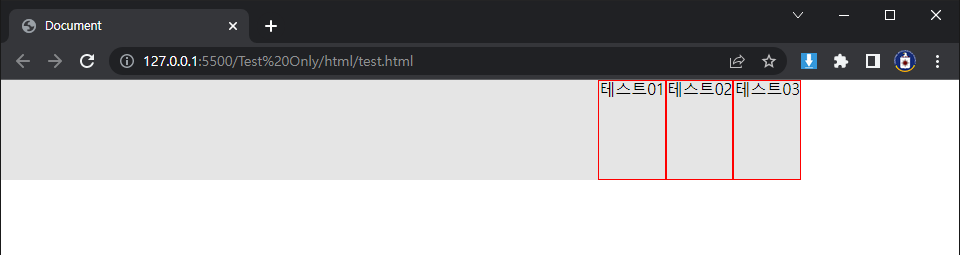
②justify-content: flex-end
flex-end: 요소들을 컨테이너의 오른쪽으로 정렬한다.
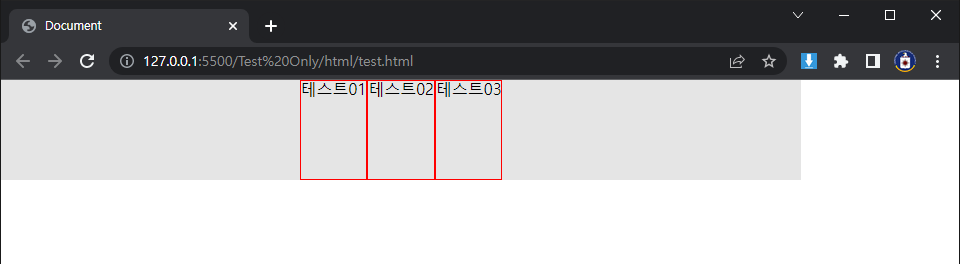
③justify-content: center
center: 요소들을 컨테이너의 가운데로 정렬한다.
④justify-content: space-between
space-between: 요소들 사이에 동일한 간격을 둔다.
⑤justify-content: space-around
space-around: 요소들 주위에 동일한 간격을 둔다.
(3) align-items
SCSS
.test {
display : flex ;
flex-direction : row ;
justify-content : flex-start ;
align-items : flex-start ;
width : 800px ;
height : 100px ;
background-color : rgba ( 0 , 0 , 0 , 0.1 );
> span {
border : 1px red solid ;
}
}
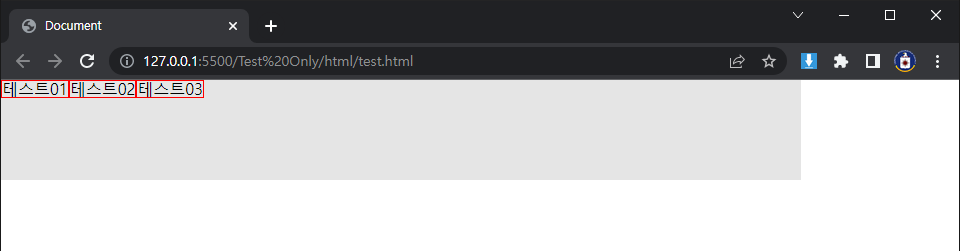
①align-items: flex-start
flex-start: 요소들을 컨테이너의 꼭대기로 정렬한다.
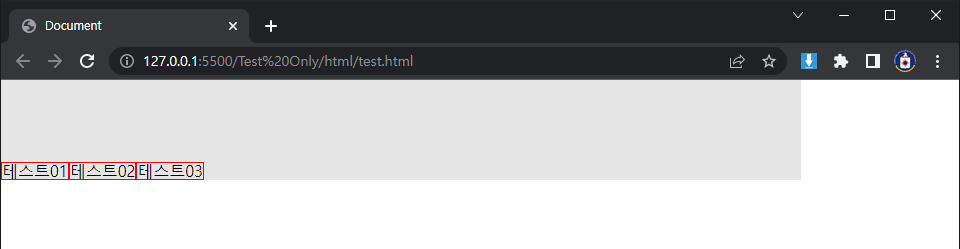
②align-items: flex-end
flex-end: 요소들을 컨테이너의 바닥으로 정렬한다.
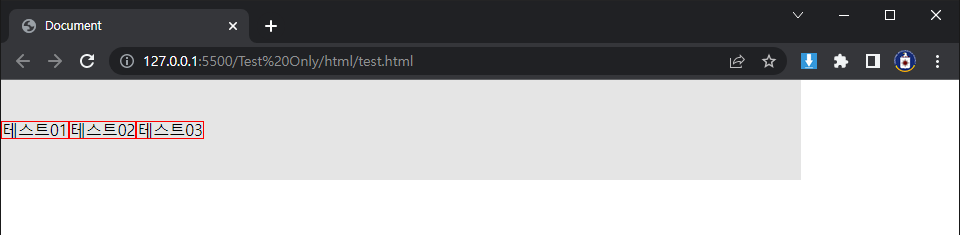
③align-items: center
center: 요소들을 컨테이너의 세로선 상의 가운데로 정렬한다.
④align-items: baseline
baseline: 요소들을 컨테이너의 시작 위치에 정렬한다.
⑤align-items: stretch
stretch: 요소들을 컨테이너에 맞도록 늘린다.
(4) flex-wrap
SCSS
.test {
display : flex ;
flex-direction : row ;
justify-content : flex-start ;
align-items : stretch ;
flex-wrap : nowrap ;
width : 200px ;
height : 100px ;
background-color : rgba ( 0 , 0 , 0 , 0.1 );
> span {
border : 1px red solid ;
}
}
①flex-wrap: nowrap
nowrap: 모든 요소들을 한 줄에 정렬한다.
②flex-wrap: wrap
wrap: 요소들을 여러 줄에 걸쳐 정렬한다.
③flex-wrap: wrap-reverse
wrap-reverse: 요소들을 여러 줄에 걸쳐 반대로 정렬한다.
(5) flex-flow
flex-flow flex-direction과 flex-wrap이 자주 같이 사용되기 때문에, flex-flow가 이를 대신할 수 있다.