Post
HTML
<section class="sandbox_section" id="sand7">
<ol>
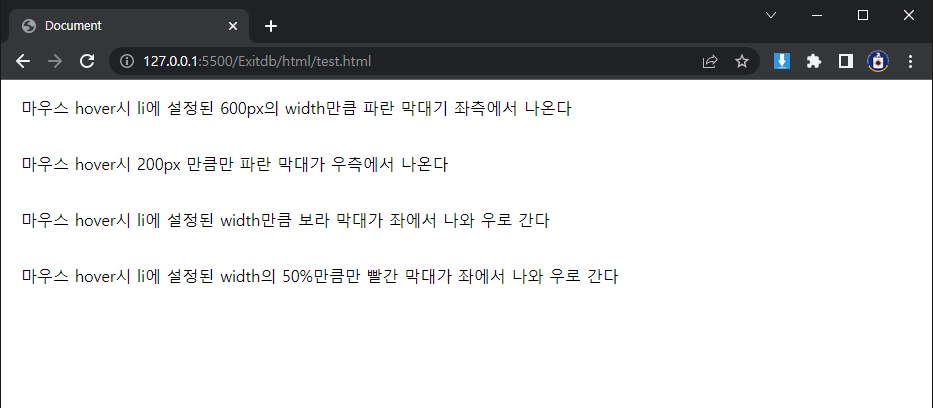
<li class="ex01"><a>마우스 hover시 li에 설정된 600px의 width만큼 파란 막대기 좌측에서 나온다</a></li>
<li class="ex02"><a>마우스 hover시 200px 만큼만 파란 막대가 우측에서 나온다</a></li>
<li class="ex03"><a>마우스 hover시 li에 설정된 width만큼 보라 막대가 좌에서 나와 우로 간다</a></li>
<li class="ex04"><a>마우스 hover시 li에 설정된 width의 50%만큼만 빨간 막대가 좌에서 나와 우로 간다</a></li>
</ol>
</section>
SCSS
ol {
.ex01 {
position: relative;
padding: 20px;
width: 600px;
> a {
&:after {
content: "";
display: block;
background-color: blue;
position: absolute;
transition: all 1s ease;
height: 5px;
width: 0;
left: 0;
}
&:hover {
&:after {
width: 100%;
}
}
}
}
.ex02 {
position: relative;
padding: 20px;
> a {
&:after {
content: "";
display: block;
background-color: blue;
position: absolute;
transition: all 1s ease;
height: 5px;
width: 0%;
right: 0;
}
&:hover {
&:after {
width: 200px;
}
}
}
}
.ex03 {
display: flex;
padding: 20px;
position: relative;
> a {
&:after {
content: "";
display: block;
background-color: purple;
position: absolute;
transition: all 1s ease;
height: 5px;
width: 0%;
right: 0;
}
&:hover {
&:after {
left: 0;
width: 100%;
}
}
}
}
.ex04 {
display: flex;
padding: 20px;
position: relative;
> a {
&:after {
content: "";
display: block;
background-color: red;
position: absolute;
transition: all 1s ease;
height: 5px;
width: 0%;
right: 0;
}
&:hover {
&:after {
left: 0;
width: 50%;
}
}
}
}
}
ON BROWSER
'CSS & SCSS related' 카테고리의 다른 글
| SCSS white-space: nowrap (0) | 2023.01.20 |
|---|---|
| SCSS Keyframe Animation Basic (0) | 2023.01.20 |
| SCSS Translate (0) | 2023.01.20 |
| SCSS Customized Scroll Bar (0) | 2023.01.20 |
| CSS Examples Flex Grow (0) | 2023.01.19 |