"HTML related"에 해당되는 글 - 13건
- 2023.01.21 HTML Redirection
- 2023.01.21 HTML Examples Favicon Setting
- 2023.01.19 HTML Dataset
- 2023.01.19 HTML Open Graph
- 2023.01.19 HTML Examples Dataset
- 2023.01.19 HTML Examples Form#Others
- 2023.01.19 HTML Examples Form#Select
- 2023.01.19 HTML Examples Form#Checkbox
- 2023.01.19 HTML Examples Form#ID | Password Input
- 2023.01.19 HTML Examples Table#Style
Post
HTML Redirection
①구글 홈페이지로 2초 뒤에 자동 리다이렉트
HEAD
②디렉토리내 html 폴더로 곧바로 자동 리다이렉트. 그 안에 위치한 index.html 문서가 기동됨
HEAD
'HTML related' 카테고리의 다른 글
| HTML Examples Favicon Setting (0) | 2023.01.21 |
|---|---|
| HTML Dataset (0) | 2023.01.19 |
| HTML Open Graph (0) | 2023.01.19 |
| HTML Examples Dataset (0) | 2023.01.19 |
| HTML Examples Form#Others (0) | 2023.01.19 |
Post
파비콘 설정
HTML
head부의 title 바로 아래에 link favicon으로 파비콘을 설정
ON BROWSER

'HTML related' 카테고리의 다른 글
| HTML Redirection (0) | 2023.01.21 |
|---|---|
| HTML Dataset (0) | 2023.01.19 |
| HTML Open Graph (0) | 2023.01.19 |
| HTML Examples Dataset (0) | 2023.01.19 |
| HTML Examples Form#Others (0) | 2023.01.19 |
Post
HTML
JS
ON BROWSER

'HTML related' 카테고리의 다른 글
| HTML Redirection (0) | 2023.01.21 |
|---|---|
| HTML Examples Favicon Setting (0) | 2023.01.21 |
| HTML Open Graph (0) | 2023.01.19 |
| HTML Examples Dataset (0) | 2023.01.19 |
| HTML Examples Form#Others (0) | 2023.01.19 |
Post

'HTML related' 카테고리의 다른 글
| HTML Examples Favicon Setting (0) | 2023.01.21 |
|---|---|
| HTML Dataset (0) | 2023.01.19 |
| HTML Examples Dataset (0) | 2023.01.19 |
| HTML Examples Form#Others (0) | 2023.01.19 |
| HTML Examples Form#Select (0) | 2023.01.19 |
Post
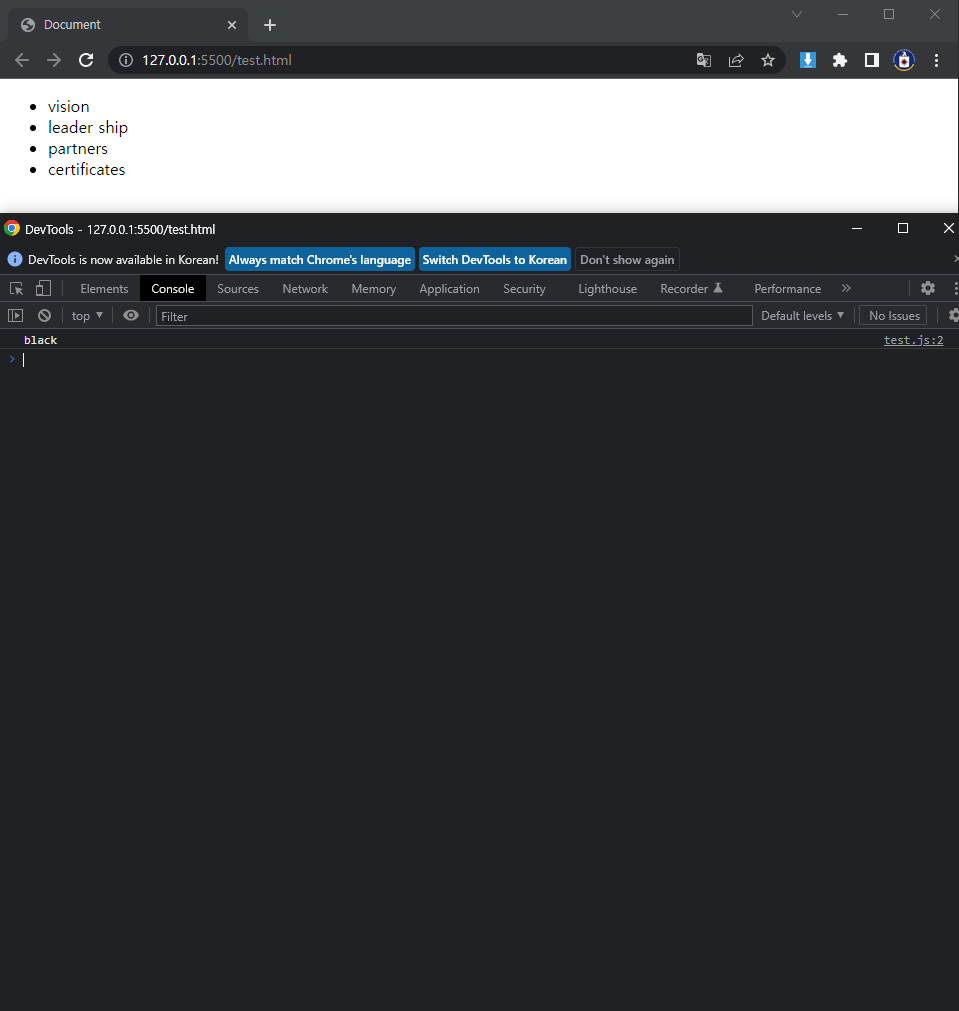
HTML
CSS
JS
ON BROWSER
'HTML related' 카테고리의 다른 글
| HTML Dataset (0) | 2023.01.19 |
|---|---|
| HTML Open Graph (0) | 2023.01.19 |
| HTML Examples Form#Others (0) | 2023.01.19 |
| HTML Examples Form#Select (0) | 2023.01.19 |
| HTML Examples Form#Checkbox (0) | 2023.01.19 |
Post
HTML
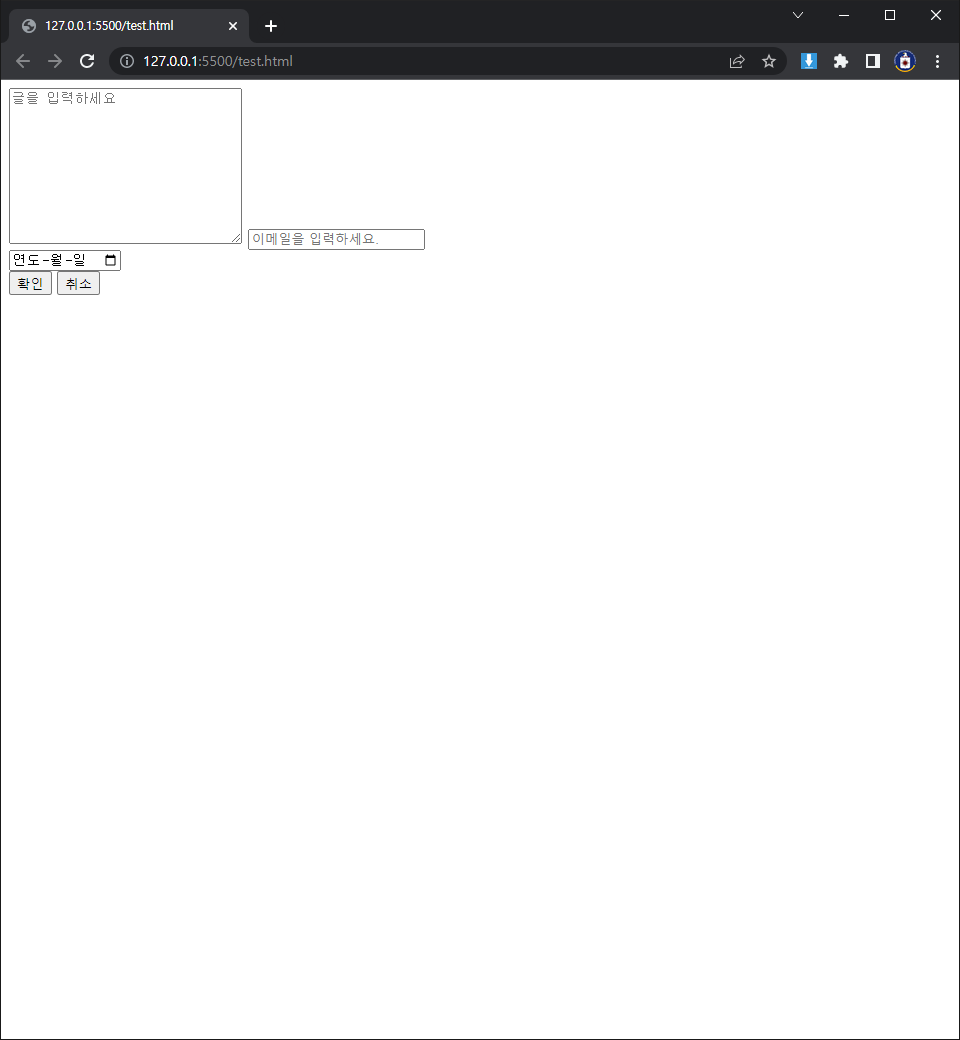
일반 text는 한줄 밖에 못쓰지만, textarea는 여러 줄을 많이 쓸 수 있다.
type에 email을 입력하면 email의 규칙(@)에 맞춰서 입력하게 할 수 있다. 그 밖에도 여러 정규 표현식이 있다.
type에 date를 입력하면 날짜 입력창이 뜨는데 이걸 datepicker라고 한다.
ON BROWSER
'HTML related' 카테고리의 다른 글
| HTML Open Graph (0) | 2023.01.19 |
|---|---|
| HTML Examples Dataset (0) | 2023.01.19 |
| HTML Examples Form#Select (0) | 2023.01.19 |
| HTML Examples Form#Checkbox (0) | 2023.01.19 |
| HTML Examples Form#ID | Password Input (0) | 2023.01.19 |
Post
HTML
select태그 안에는 반드시 option태그만이 안에 들어갈 수 있다.
ON BROWSER

'HTML related' 카테고리의 다른 글
| HTML Examples Dataset (0) | 2023.01.19 |
|---|---|
| HTML Examples Form#Others (0) | 2023.01.19 |
| HTML Examples Form#Checkbox (0) | 2023.01.19 |
| HTML Examples Form#ID | Password Input (0) | 2023.01.19 |
| HTML Examples Table#Style (0) | 2023.01.19 |
Post
HTML
하나만 선택해야 할 때는 radio를 쓰고, 다중 선택 가능할 때는 checkbox를 쓴다.
항목이 여러개로 많을 때는 label로 묶으면 편하다. 단 for를 지워야 한다.
checked를 쓰면 radio나 checkbox의 기본 값으로 선택하게 할 수 있다.
ON BROWSER

'HTML related' 카테고리의 다른 글
| HTML Examples Form#Others (0) | 2023.01.19 |
|---|---|
| HTML Examples Form#Select (0) | 2023.01.19 |
| HTML Examples Form#ID | Password Input (0) | 2023.01.19 |
| HTML Examples Table#Style (0) | 2023.01.19 |
| HTML Form Related Tag List (0) | 2023.01.18 |
Post
HTML
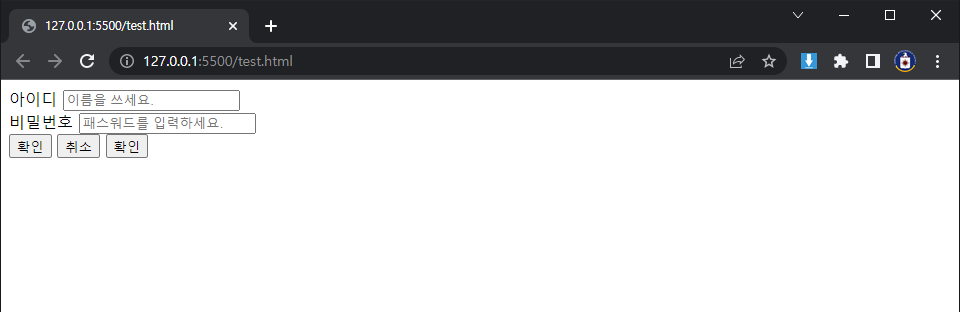
input type에서 기본값을 설정해 주기 위해 value도 쓰일 수 있으나, value값은 서버에 전송되는 반면 placeholder값은 서버에 전송되지 않는다.
ON BROWSER
'HTML related' 카테고리의 다른 글
| HTML Examples Form#Select (0) | 2023.01.19 |
|---|---|
| HTML Examples Form#Checkbox (0) | 2023.01.19 |
| HTML Examples Table#Style (0) | 2023.01.19 |
| HTML Form Related Tag List (0) | 2023.01.18 |
| HTML Semantic Tag List (0) | 2023.01.18 |
Post
HTML
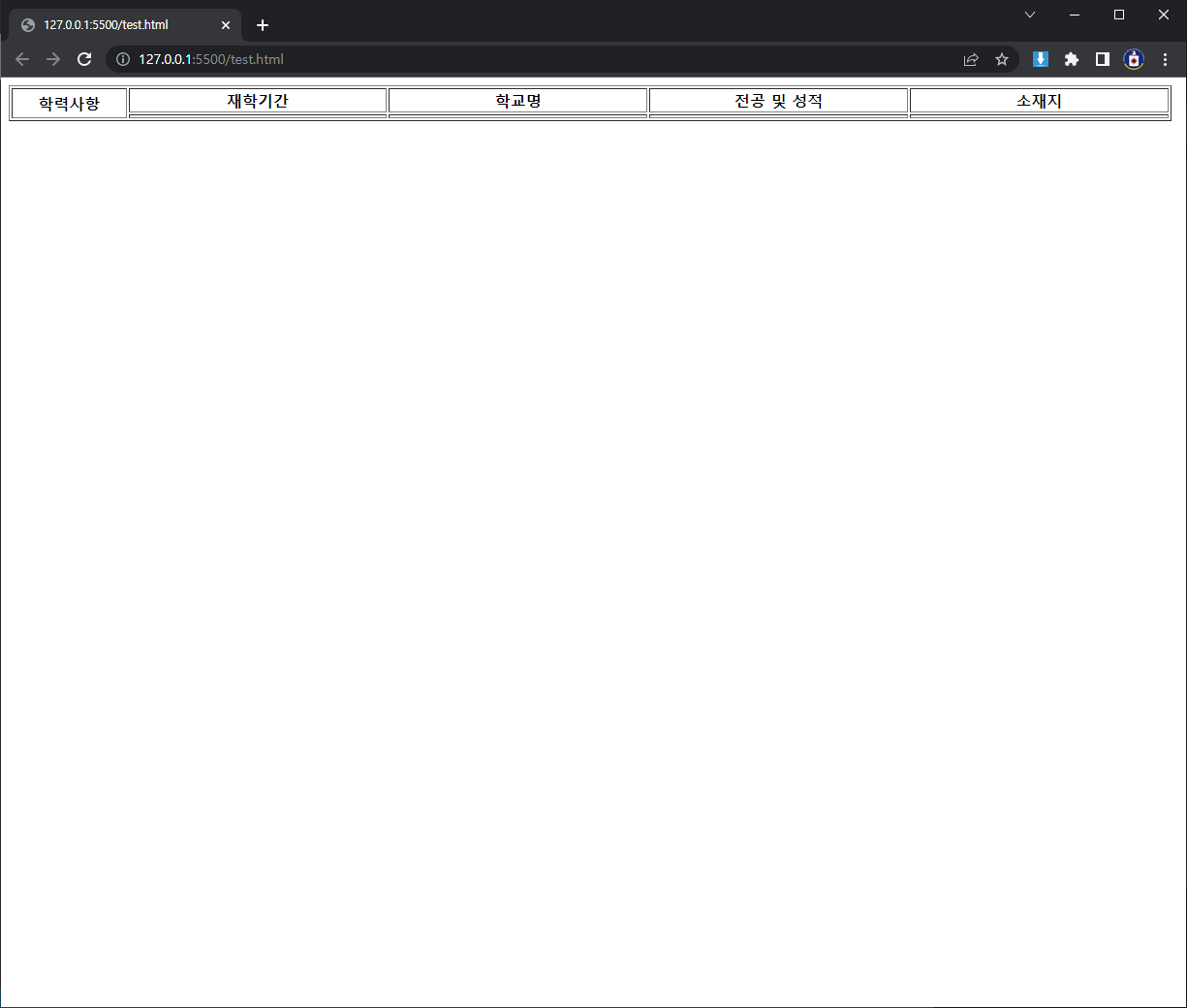
ON BROWSER
'HTML related' 카테고리의 다른 글
| HTML Examples Form#Checkbox (0) | 2023.01.19 |
|---|---|
| HTML Examples Form#ID | Password Input (0) | 2023.01.19 |
| HTML Form Related Tag List (0) | 2023.01.18 |
| HTML Semantic Tag List (0) | 2023.01.18 |
| HTML Basic Tag List (0) | 2023.01.18 |